The same Liquara on your Android phone, as a real app. Same license, same numbers, same three views. Check Friday's balance from the job site, the kitchen or the airport.
Already a customer? Install the app, tap Have a license key? and paste your key. Your company, files and settings come over on their own.
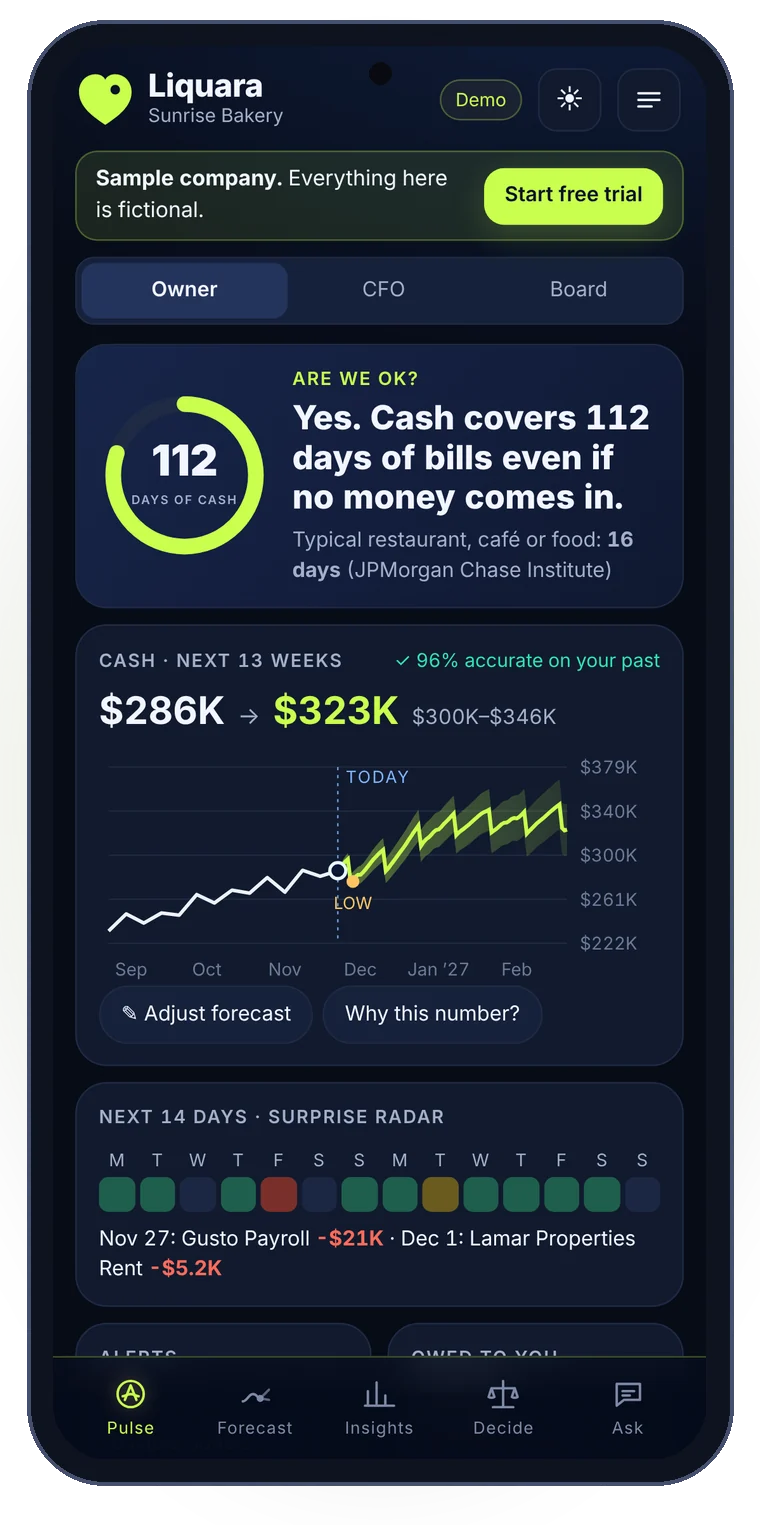
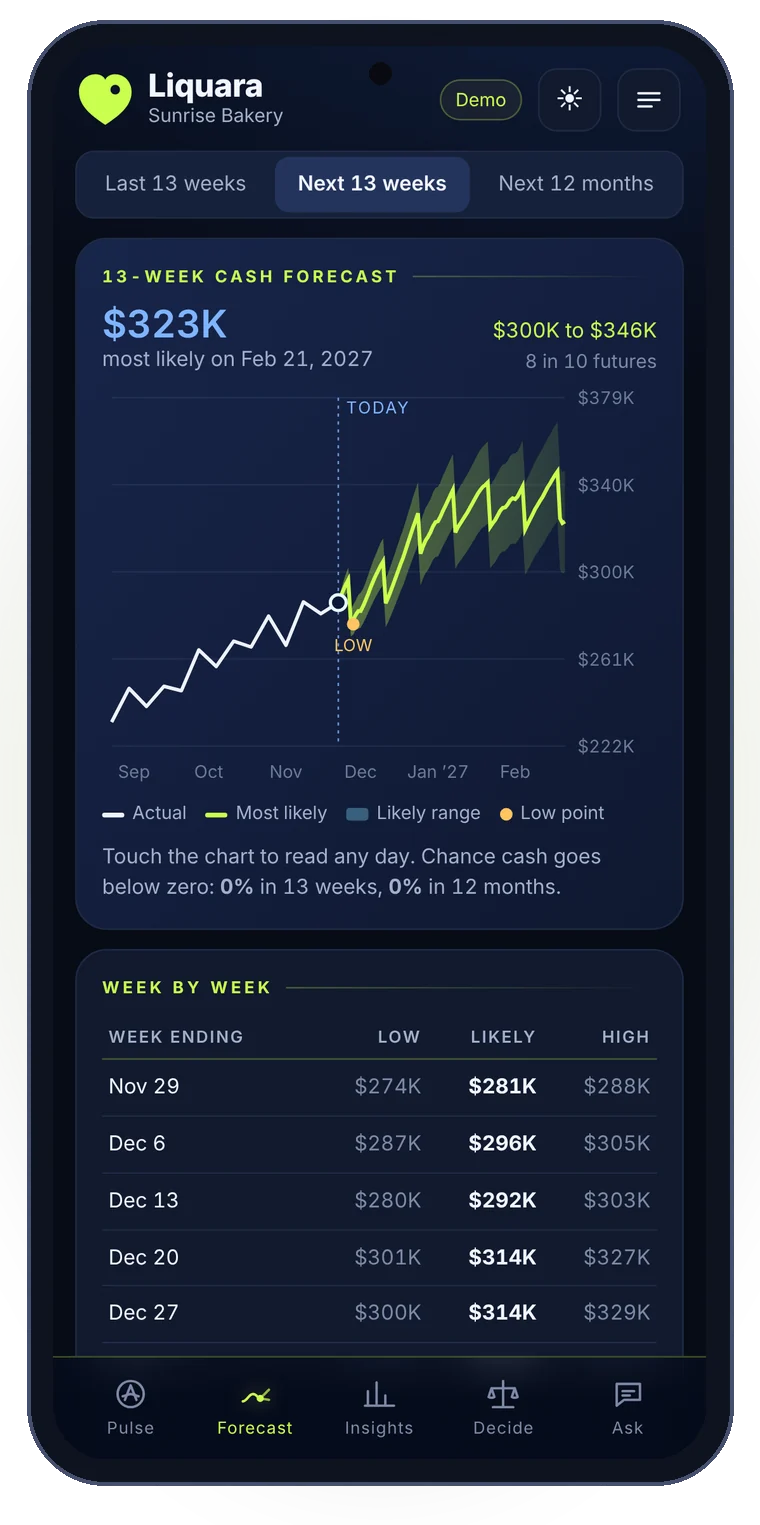
Every screen from the web version, laid out for a phone. Swipe between views, tap any number to see why.
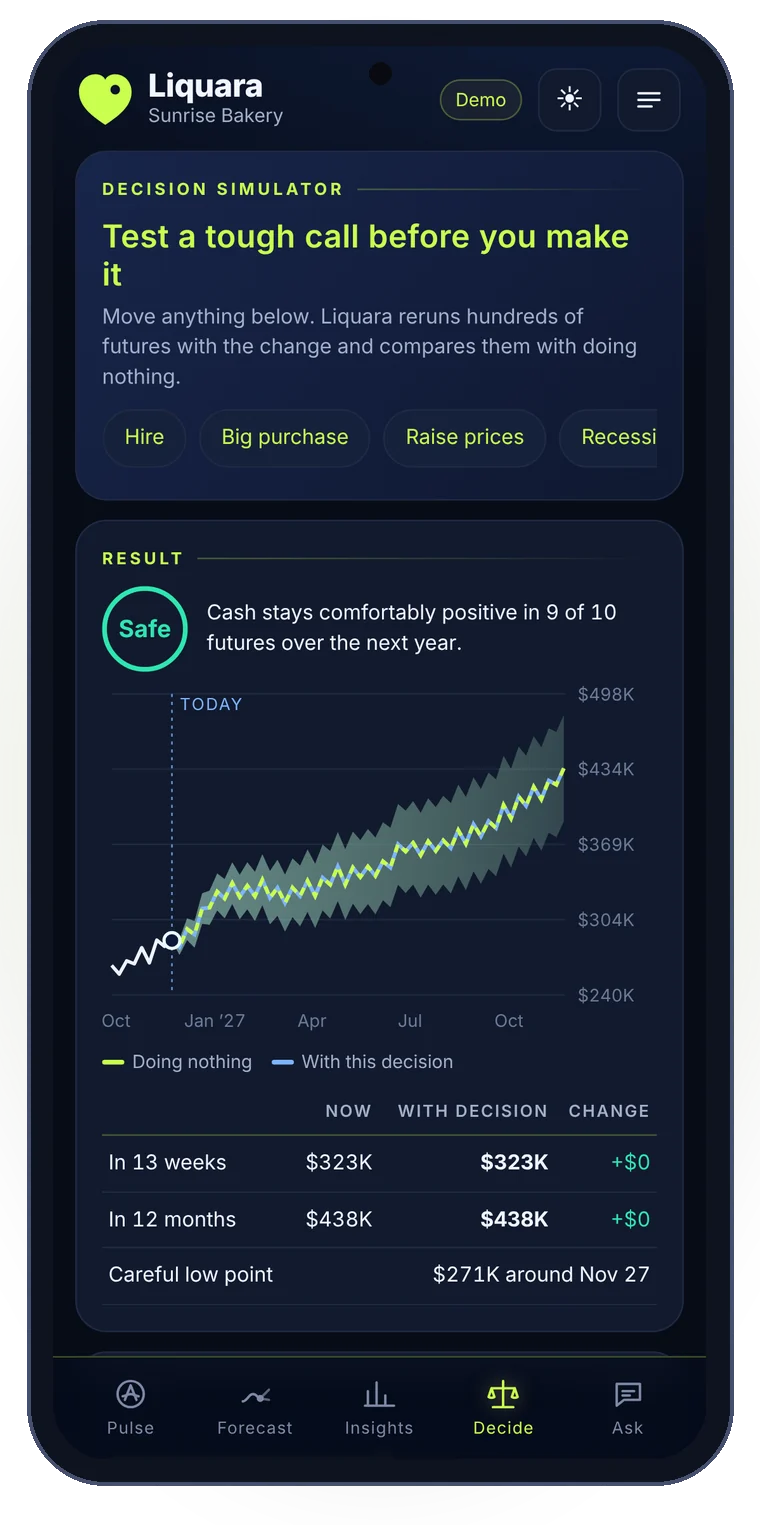
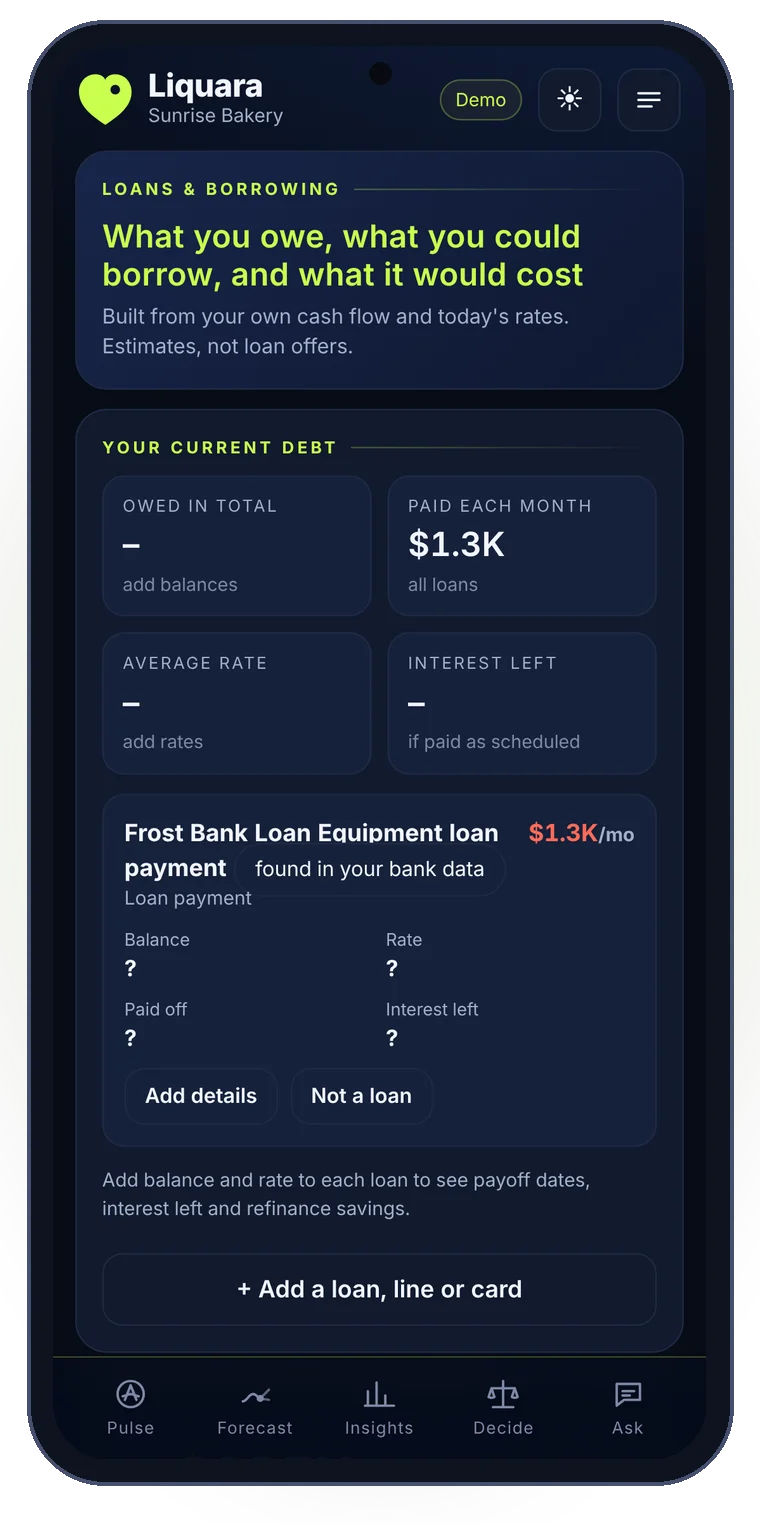
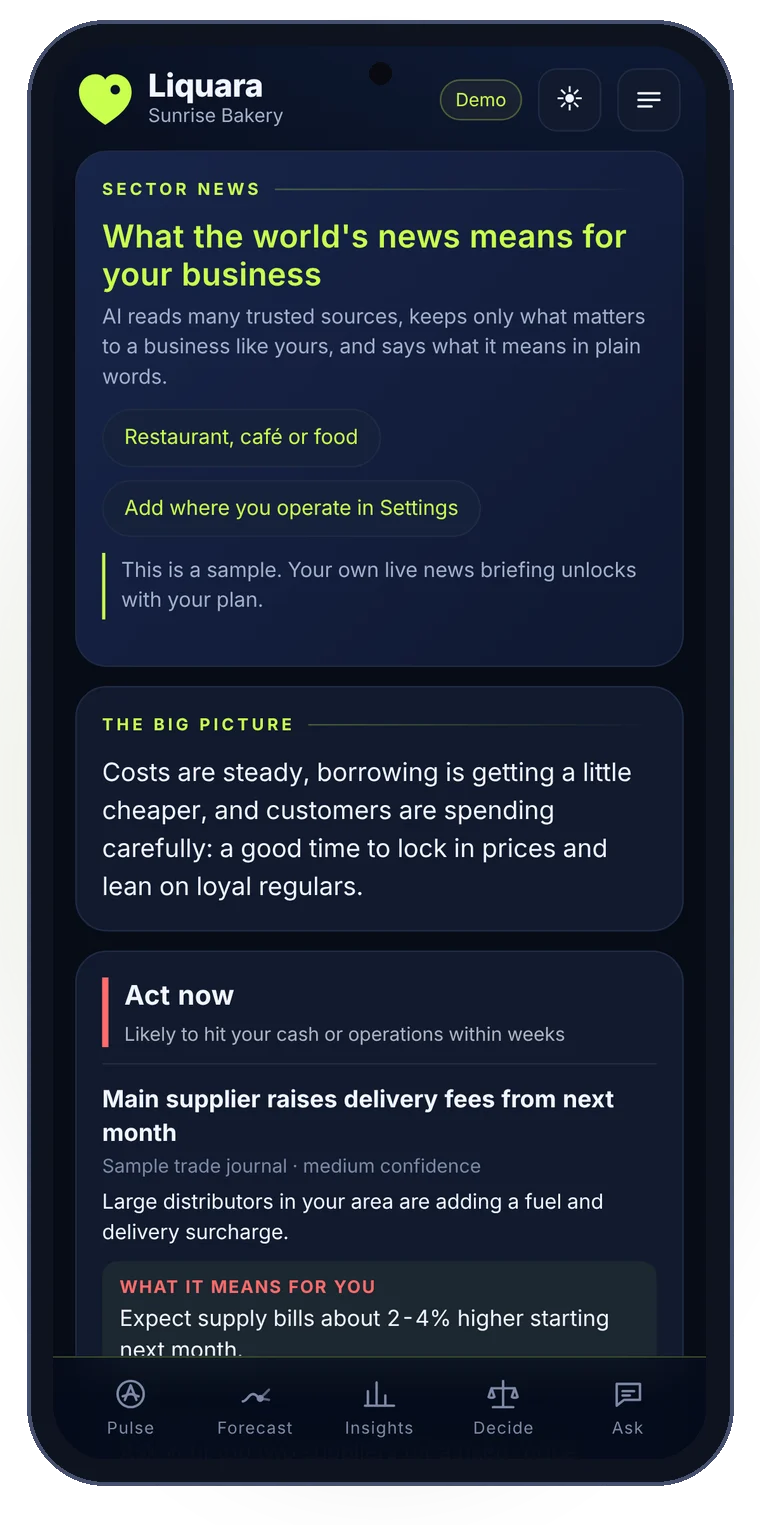
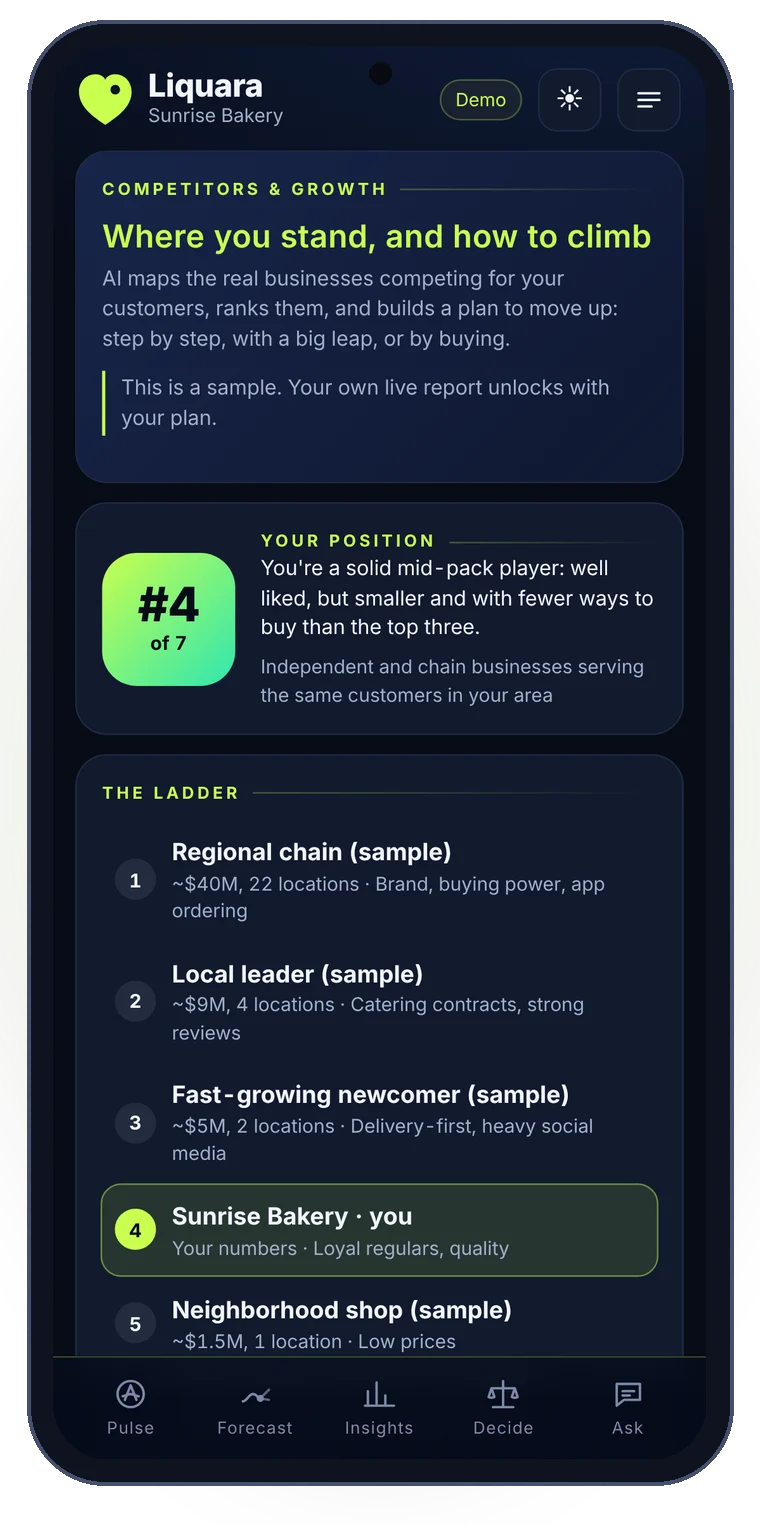
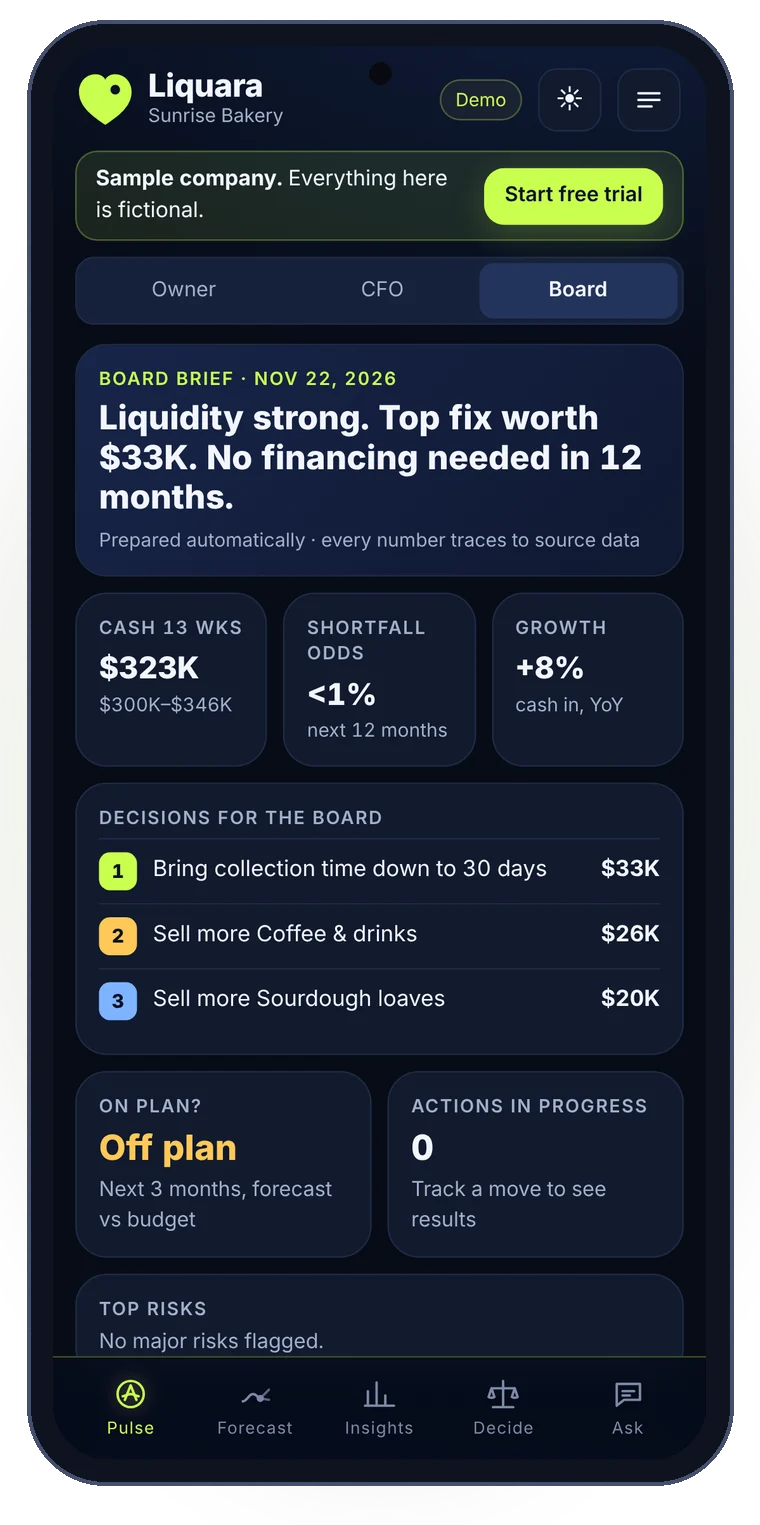
A notification every Monday morning: where cash lands this week and anything that needs you.
Set up on the website, open the app, paste your key. Your company, files and settings follow you, scrambled with your license key on the way.
Keep your numbers private with a PIN, even if someone else picks up your phone.
Take a photo of a bill or statement and Liquara reads it into your forecast.
Possible double payments, late customers and low points in your cash, before they happen.
Your last numbers stay on the phone, so you can check them on a plane or in a basement.
Open getliquara.com/app in Chrome or Edge and choose Install (in the address bar, or the Install on your computer button in Settings). Liquara gets its own icon and window.
Open getliquara.com in Safari, tap Demo, then Share → Add to Home Screen. An App Store version is planned.
Change your card, switch plans, see invoices or cancel any time in My account.
No. Every plan includes the app. One license works on the website and your phones: up to 2 devices on Owner, 5 on Business and 25 on Enterprise.
Not yet. It installs directly from this page. Your phone may ask you to allow installs from your browser the first time.
Yes. With your license key entered, your company setup, files and settings sync between the website and the app. They're scrambled with your license key on your device before they're stored. You can turn sync off in Settings.
Download it again from this page. If your phone says the app can't be updated, uninstall the old one first. Your data comes back when you paste your license key.
Most Android phones from the last several years. On iPhone or a computer, use Liquara in your browser.
 Liquara